
A new ticketing platform can bring significant improvements to an organization’s operations. But getting there requires a successful onboarding, one that keeps ticket sales moving, protects customer information and prepares staff to work confidently in a new system.
Your ticketing provider should work with you to guide that process, with a clear implementation plan, practical training and support along the way. A successful onboarding will also depend on your organization’s participation, from preparing data to testing real workflows.
Here’s what to expect from a well-managed transition, what your team should be prepared to contribute and how to know when you’re ready to go live.
Establish a Clear, Collaborative Onboarding Process
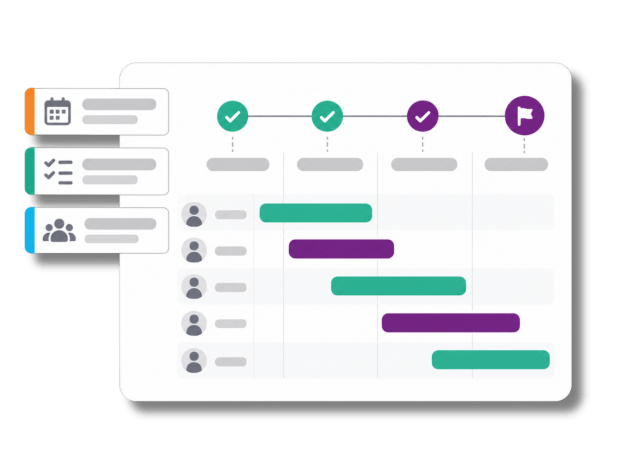
The provider should guide the process, establishing key milestones, timelines and responsibilities while taking time to understand your organization’s requirements. These may include event types, seating arrangements, packages, memberships, donations, sales channels and relevant integrations.
This discovery process helps shape the implementation. An organization managing multiple venues or complex subscription arrangements, for example, may have different needs than one selling general admission tickets.
Your organization also has an important role to play. Assigning an internal project owner, involving relevant departments and providing timely access to information can help keep the transition on track.
Both sides should understand what’s included in the onboarding process, what could delay progress and how they’ll determine when each stage is complete.
Plan for Data Migration and Platform Configuration
Moving customer and transaction information into a new ticketing platform requires careful planning. Your provider should help establish the scope of the migration, explain how records will be transferred and identify any information that may need to remain in the previous system.
Your organization may need to prepare data exports, resolve duplicate records and help map information from the previous system to the new platform. Once the data has been migrated, both teams should validate its accuracy.
Configuration is equally important. The onboarding process should account for how your organization handles event setup, seating, ticket types, packages, memberships, donations and reporting, as applicable.
Rather than relying solely on a standard setup, configuration should reflect the workflows your staff use every day. This might include building an event with the correct pricing and inventory, processing exchanges, managing subscriptions or producing reports for financial reconciliation.
Look for Practical Training and Thorough Testing
Effective onboarding should include training that reflects the responsibilities of different staff members.
The onboarding process should identify which teams need training and what guided sessions or learning resources are available. Administrators may require instruction on event configuration and permissions, while box office staff need to understand transactions, exchanges and customer assistance. Marketing teams may focus on audience information and communications, and finance teams on payments, reconciliation and reporting.
Your organization should make time for staff to complete training, practice relevant tasks and raise questions before launch. A combination of guided instruction, self-service resources and hands-on exercises can help teams become comfortable with the new platform.
Training should also lead into practical testing. The provider and your team should establish a testing process that reflects your events and sales operations, using realistic scenarios to identify potential issues.
Depending on your organization’s needs, a pre-launch review might include:
- Selecting tickets and completing a purchase.
- Confirming pricing, fees and inventory changes.
- Checking confirmation messages and ticket delivery.
- Testing ticket scanning and admission procedures.
- Reviewing staff permissions and access.
- Verifying sales and financial reporting.
These checks provide an opportunity to identify and resolve problems before they affect customers. By the end of this stage, staff should be able to complete their essential tasks and understand how to get help when questions arise.
Your Pre-Launch Onboarding Checklist
Before going live with a new ticketing platform, confirm that your organization and provider have addressed the essentials:
- Implementation plan: Key milestones, responsibilities and launch requirements are agreed upon.
- Data migration: Customer and transaction records have been transferred and validated, with any exceptions documented.
- Platform configuration: Events, seating, pricing, packages and other relevant workflows are configured correctly.
- Staff training: Team members have practiced the tasks they’ll need to perform in their roles.
- Transaction testing: Ticket purchases, payments, exchanges and refunds have been tested where applicable.
- Customer communications: Confirmation messages, ticket delivery and relevant notifications have been reviewed.
- Reporting and access: Staff permissions, sales reports and financial reconciliation have been verified.
- Launch support: Staff know how to report issues, access assistance and escalate urgent problems.
Any outstanding issues should have a clear owner and resolution plan before launch.
Know What to Expect at Launch and Beyond
A successful onboarding experience should leave your organization ready to manage events, serve customers and carry out everyday operations in the new platform. With accurate data, trained staff, tested workflows and clear access to support, teams can approach launch with confidence.
After launch, your provider should also offer a clear process for troubleshooting, answering questions and helping staff as they become more familiar with the platform.
AudienceView offers transition planning, data migration assistance, training resources and ongoing support options. Organizations considering the platform can discuss their implementation needs with the AudienceView team to understand which services are available.
Explore AudienceView to learn more about the platform and discuss your organization’s onboarding needs.